Features
What FamilyHub does today
Everything listed here is built and works now. Where something has a limit, it says so.
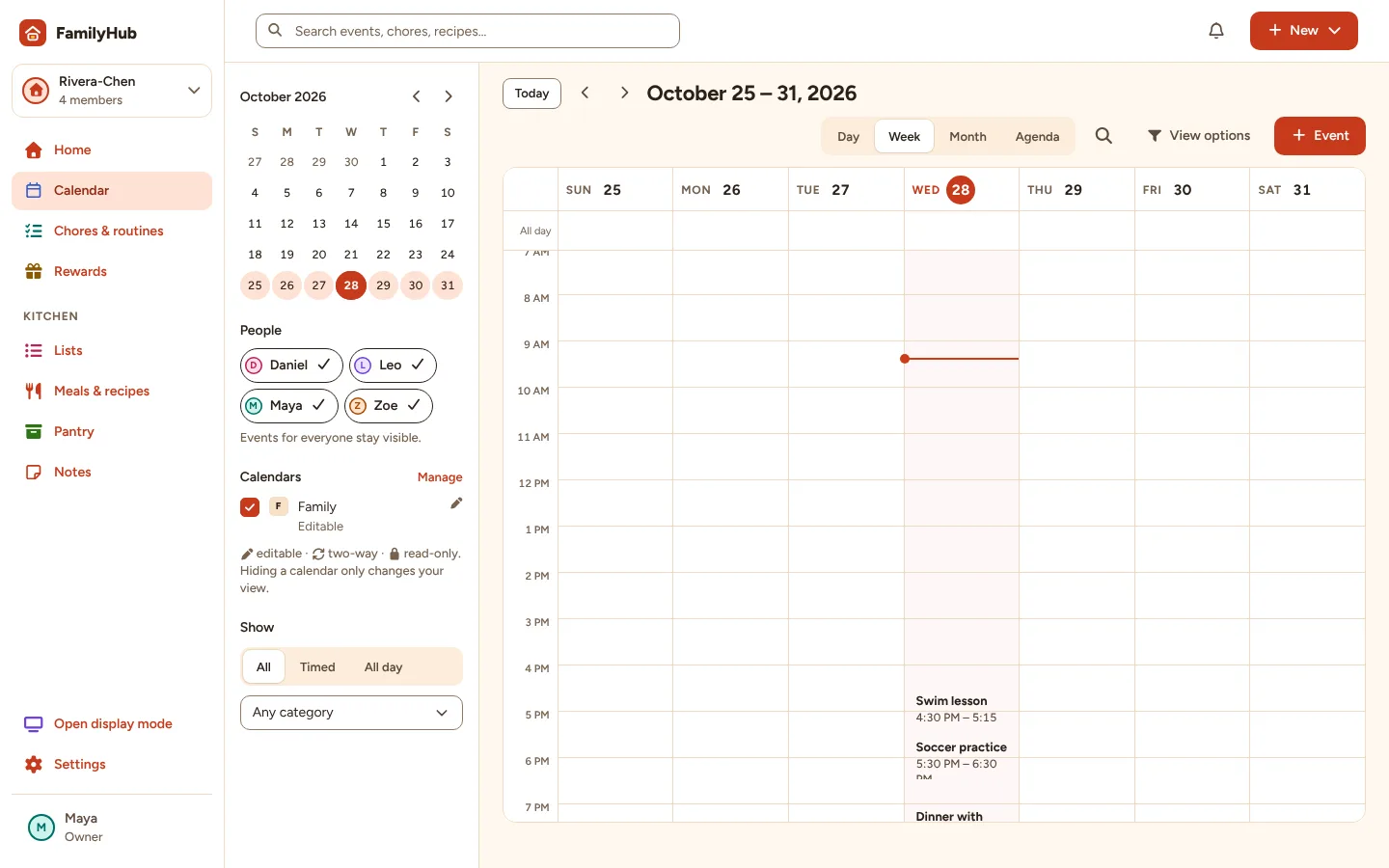
Calendar
- Day, week, month and agenda views, with search and filters by person, calendar and category.
- Repeating events (daily, weekdays, weekly, monthly, yearly) with “this event” or “all events” edits.
- Private events: full details for adults, “Busy” for children and shared screens.
- Every event shows which calendar it comes from; read-only calendars stay read-only.
Limits: Changing “this and following” repeats isn't available yet.
Calendar connections
- Calendar links (iCalendar/ICS), such as school or team calendars, refreshed automatically.
- Google Calendar, with read-only or read-and-write access you choose.
- A private FamilyHub calendar link you can add to Google Calendar or other apps, with rotate and revoke.
Limits: Google Calendar needs to be set up by whoever runs this FamilyHub. Outlook and iCloud work through their published calendar links. External calendars refresh on a schedule, not instantly.
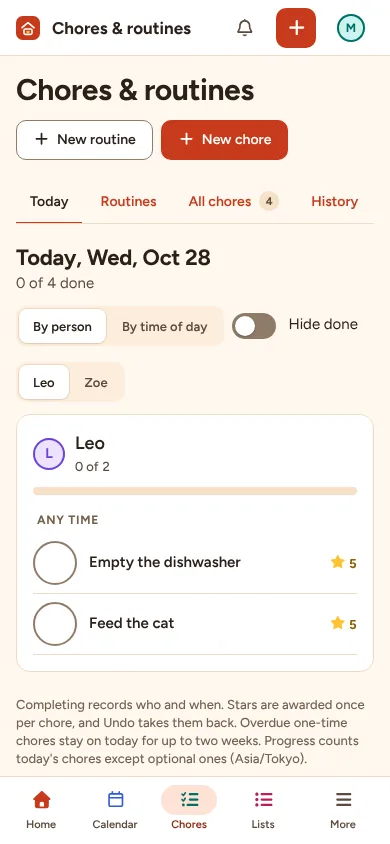
Chores and routines
- One-off and repeating chores for one person, several people or anyone.
- Routines with ordered steps for mornings, after school or bedtime.
- Each person's progress for the day; children see only their own chores.
Stars and rewards
- Optional stars per chore and a reward list with costs.
- Children ask for a reward; an adult approves or declines it.
- Every change to a balance is recorded, including adult adjustments with a reason.
Lists
- Shopping and to-do lists plus your own lists, with quantities, notes and categories.
- Check off, reorder and add from any device or the wall display.
Meals, recipes and pantry
- A weekly meal plan with your household's meal times.
- A recipe library; send a recipe's ingredients to the shopping list after reviewing them.
- Pantry items by location, flags for low stock and dates you enter, and one-tap restock to the shopping list.
Home and notes
- A Home page you can customize: choose widgets, sizes and order, for the household or just for you.
- A shared notes board with checklists and pinned notes.
Wall display
- Pair a tablet, monitor or TV with a short code or QR code; each display has its own layout and privacy settings.
- Updates on its own when someone changes something elsewhere, and says when it's reconnecting.
- Large touch targets for checking off chores and list items; adult actions need the household PIN.
- Screensaver with family photos or a clock, and a sleep schedule.
Limits: A browser can't turn the screen off or wake a sleeping device; use the device's own settings for that.
Household and privacy
- Several households per person, with owner, admin, adult and child roles checked by the server.
- Invitation links for other adults, valid for 7 days and only for the invited email.
- Export everything as a file; deleted items can be restored until deleted permanently.
Limits: FamilyHub doesn't send emails or push notifications yet; reminders appear while FamilyHub is open.
Try it with your household
Questions about a feature? See Help.